 ;?>
;?>Her hafta sonu olduğu gibi yakından takip ettiğim yazarların yazılarını okurken detaylarını aşağıda bulacağınız mükemmel bir yazıya rastladım.Yazar başlığı söyle belirlemiş “Step by step: From bare metal to the private cloud with Microsoft System Center 2012” yani bizlere sıfırdan System Center 2012’ler ile Private Cloud oluşturmayı anlatıyor.Tekrar altını çizeyim gerçekten sıfırdan adım adım anlatıyor 🙂 8 video’luk bu seti aralıksız izleyeceğinize eminim.Bence bir hafta sonunu vermeye değer bu içeriği izleyip hemen uygulamaya geçeceğinize eminim.
Bare Metal to Private Cloud (Part 1 of 8): Beginning with the End in Mind
http://go.microsoft.com/?linkid=9809577 or http://bit.ly/JTGtJK
Abstract: In this session, we take a look at the end state of managing a private cloud with Microsoft System Center, including the Cloud Services management pack. The sessions that follow this session describe how to go from bare metal to a private cloud managed by System Center. _____________
Bare Metal to Private Cloud (Part 2 of 8): Hardware and Prerequisite Software Platform
http://go.microsoft.com/?linkid=9809578 or http://bit.ly/KJc41E
Abstract: In this session, we take a look at the hardware used for these sessions as examples of the kind of hardware that you can use to run a private cloud. We’ll also discuss how to install and configure the prerequisite software, such as the Windows Server operating system, SQL Server data management software, and Active Directory Domain Services. _____________
Bare Metal to Private Cloud (Part 3 of 8): Clustering Hyper-V and Installing a Highly Available Virtual Machine Manager Cluster
http://go.microsoft.com/?linkid=9809579 or http://bit.ly/KvgVAM
Abstract: In this session, we take a look at how to create a Hyper-V host cluster and install a highly available cluster by using Virtual Machine Manager, a component of Microsoft System Center 2012.
_____________
Bare Metal to Private Cloud (Part 4 of 8): Configuring System Center 2012 – Virtual Machine Manager
http://go.microsoft.com/?linkid=9809580 or http://bit.ly/KlsCYU
Abstract: In this session, we talk about how to configure Virtual Machine Manager, a component of Microsoft System Center 2012. We explore how to deploy agents, create a host group, create a cloud, and create virtual networks.
_____________
Bare Metal to Private Cloud (Part 5 of 8): Installing and Configuring System Center 2012 – Operations Manager
http://go.microsoft.com/?linkid=9809581 or http://bit.ly/J2WDgE
Abstract: In this session, we show how to install a highly available Microsoft System Center 2012 – Operations Manager and deploy agents to manage the private cloud.
_____________
Bare Metal to Private Cloud (Part 6 of 8): Installing and Configuring System Center 2012 – Service Manager
http://go.microsoft.com/?linkid=9809582 or http://bit.ly/Ms8GtP
Abstract: In this session, we show how to install a highly available Microsoft System Center 2012 Service Manager, including the configuration management database (CMDB), data warehouse, reporting, self-service portal, and service catalog.
_____________
Bare Metal to Private Cloud (Part 7 of 8): Installing and Configuring System Center 2012 – Orchestrator
http://go.microsoft.com/?linkid=9809583 or http://bit.ly/JXQgPA
Abstract: In this session, we show how to install a highly available Microsoft System Center 2012 – Orchestrator and installing the System Center and other integration packs for automated administration of the private cloud.
_____________
Bare Metal to Private Cloud (Part 8 of 8): Integrating System Center 2012
http://go.microsoft.com/?linkid=9809584 or http://bit.ly/JcGHxd
Abstract: In this session, we configure the many integration points between the Microsoft System Center components and also between System Center and Active Directory Domain Services.
_____________
Tüm bu güzel bilgileri yazan kişi J.C. Hornbeck, kendisine bu mükemmel anlatım için tekrar teşekkür ediyorum.
Ka®a
Yazar

Benzer Yazılar:
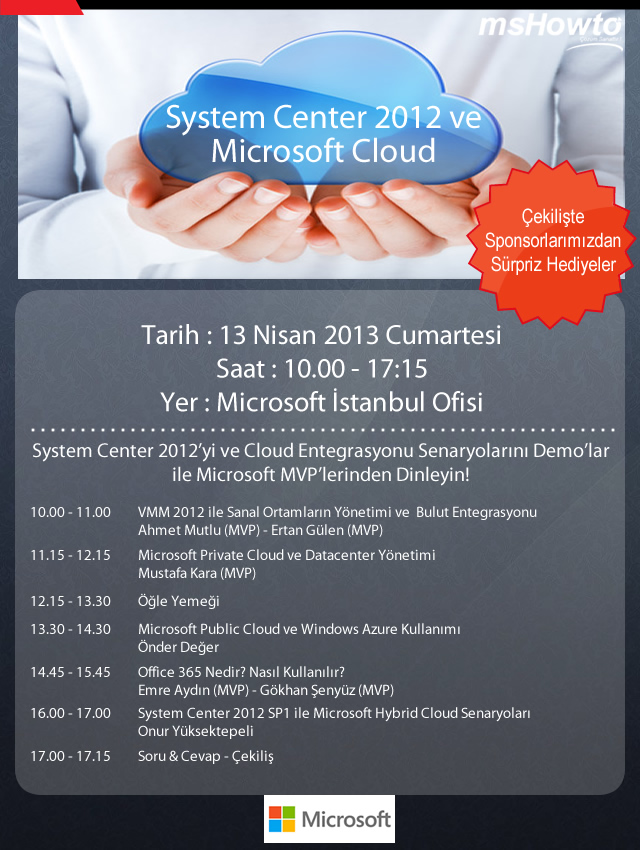
Davetlisiniz! MSHOWTO 13 Nisan Etkinliği – System Center 2012 ve Microsoft Cloud Semineri
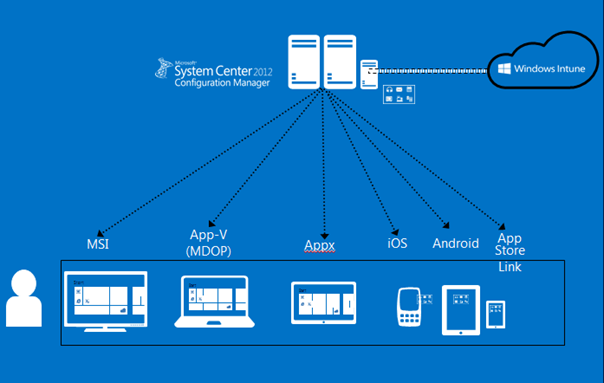
SCCM 2012 R2 MDM Ayarları
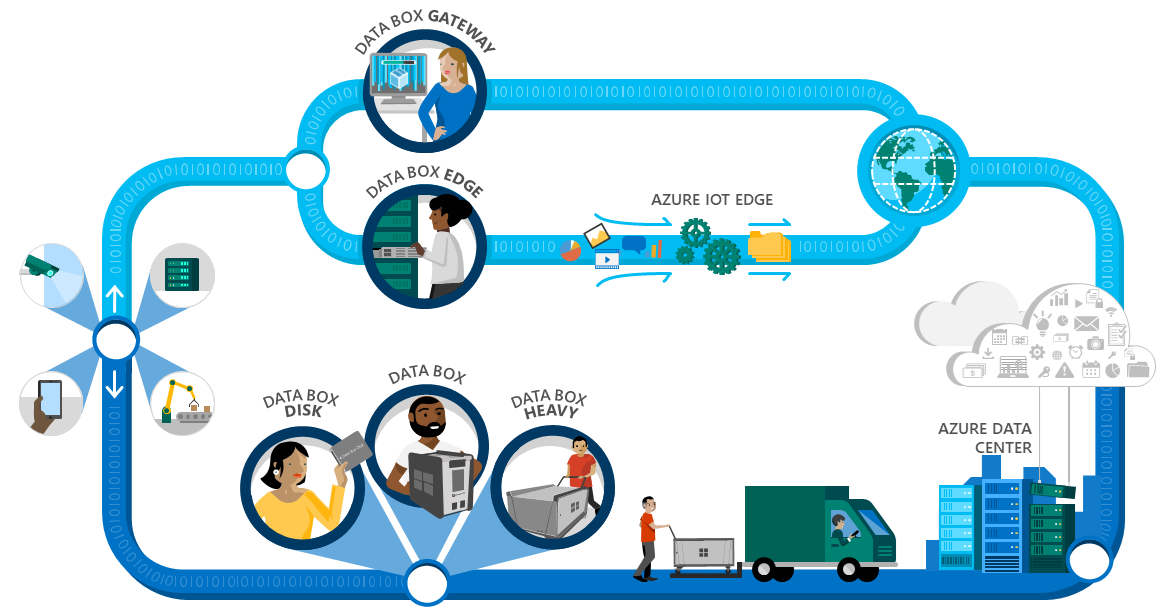
Azure Data Box Ailesi Genişliyor
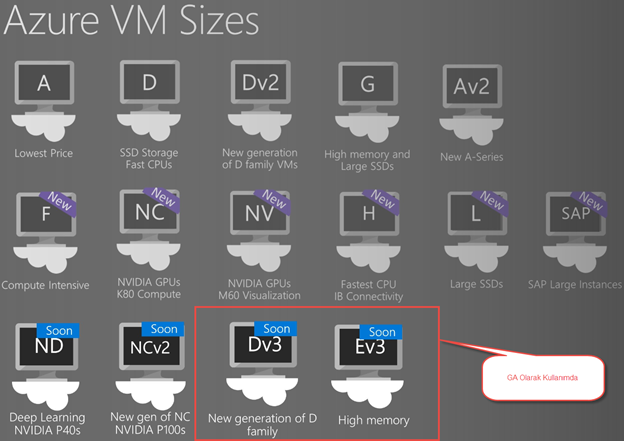
Yeni Dv3 ve Ev3 VM Boyutlarını Tanıyalım
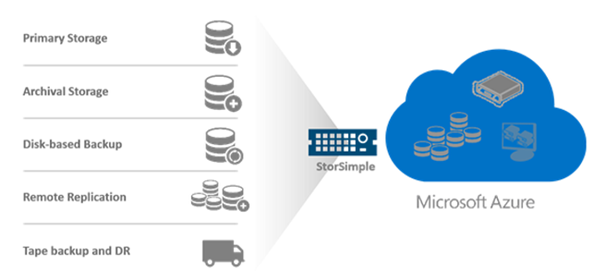
StorSimple Hibrit Bulut Depolama ve 8100 Ürün İncelemesi
ISA Server 2004 Loglarının SQL Server 2000 Üzerinde Tutulması
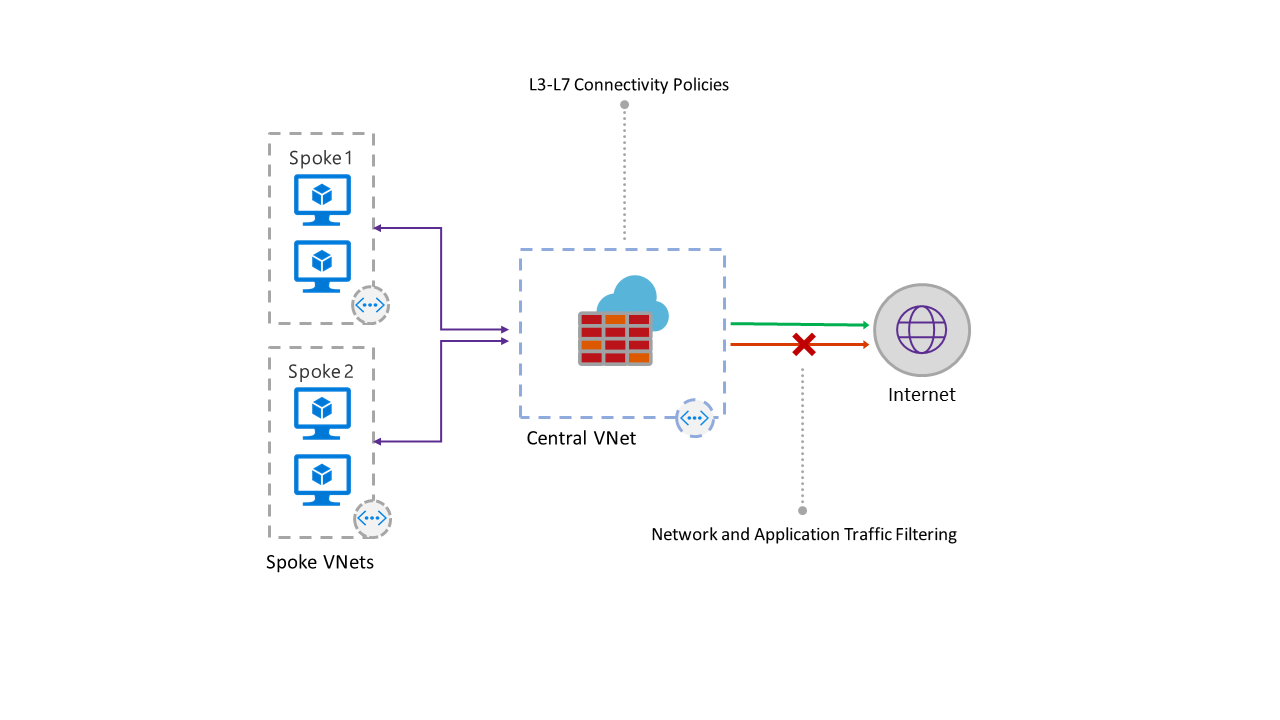
Azure Firewall’ı Tanıyalım